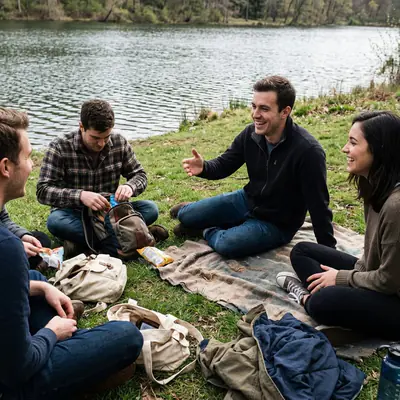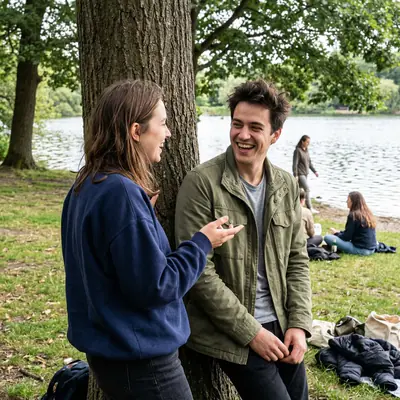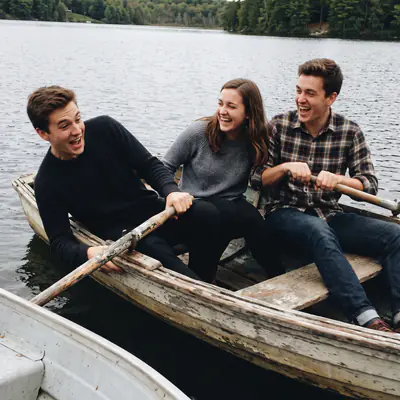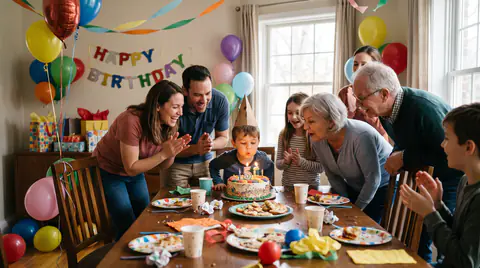






Live it fully.
Relive it all.

Take your photos, then put your phone away. Afterwards gathers everyone's, keeps them under wraps until the time you pick, then reveals them all at once, in order.

Start a story Free. Your friends join from your link with just their email.
After every weekend

Two hundred photos in the group chat. None of them really seen.

Sofia posts her weekend, then Karim posts his, then Lena remembers on Tuesday. The tram is in three places, the dinner in five, the quality is gone, and nobody can say anything about the one photo that matters.

How it works

You live the weekend. Afterwards does the rest.

  1. Friday to Sunday

    Live it

    Everyone takes photos as usual. Until the reveal you only see how many each friend has added, never the photos, so there's nothing to keep up with. Yours can wait.

  2. Any time before the reveal

    Add yours

    In the iPhone app, Afterwards finds the weekend in your camera roll and one tap shares it; in a browser, you pick them. Untick anything you keep to yourself.

  3. Sunday, 21:00

    Relive it

    At the time the organiser picked, the same notification reaches everyone at once.

The reveal

The whole weekend, at once.

Everyone's photos arrive together, in order, grouped into the moments you shared, including the two that were still developing at the top of this page. Then you go through them together, the way you'd pass prints around a table.

Split into the moments you all shared.
In order, whoever took them, and each moment named for you: “Saturday 21:40 · the campfire”. Including the photo of you that you didn't know existed.
Crisp originals, for keeps.
Full quality, not WhatsApp crumbs. Download every photo whenever you like.
For family

The (n)ever-ending story, with the whole family in it.

Some stories don't end. Share the good photos, not all four hundred, and your relatives find them on their iPad, ready to look at.

  • They sign in once, with their email and a 6-digit code, and the iPad stays signed in. No password.
  • One tap to open the new photos, one tap to send a heart.
  • They answer with a voice note: hold the button, talk, let go.
Fair questions

Before you drop the link in the group.

Only the people in a story can see its photos. There's no public page, and you can see who's in it at any time. Your photos are stored in the EU, and there are no ads.

Do my friends need to install another app?

No. They join from the link and add photos in the browser, on Android too. The iPhone app is the one-tap version, which finds their weekend in the camera roll for them.

Does it upload my whole camera roll?

No. In the app, Afterwards only looks at the dates of your story and only shares what you keep ticked; screenshots and your Hidden album stay out. In the browser, you pick the photos yourself.

What if nobody adds their photos?

Everyone gets a reminder before the reveal, the organiser sees who hasn't added any yet, and can move the reveal until it happens.

Can I keep a photo of me out of it?

You can hide any photo for yourself, and ask the person who took it to remove it. It's their photo, so it's their call.

Can we see the photos during the trip?

Yes, if you start a live story: photos appear as they're added, with no reveal at the end.

Does it work for a team offsite?

Yes. Share one link in the team channel and everyone's photos land in one place. Set the reveal for the closing drinks.

What does it cost?

Nothing. If we add paid features one day, we'll tell you before anything changes, and your stories stay yours either way: you can download every original at any time.

Live it now. See it afterwards.

Start one for your next weekend: name it, pick the reveal time, and drop the link in the group. It's free.

Start a story